
I recently worked with a cohort client who was adding metadata to all her images so she could upload them to the big genealogy sites. Uh oh. That strategy doesn’t quite work.
The Four Pillars of Metadata
When testing metadata, you want to keep in mind the four essential pillars:
- Read
- Write
- Edit
- Export
To see how these pillars work, it’s best to start with a single test image. Add a variety of metadata fields—names, dates, places, and events—and then track what happens when you upload it to the platforms you use most.
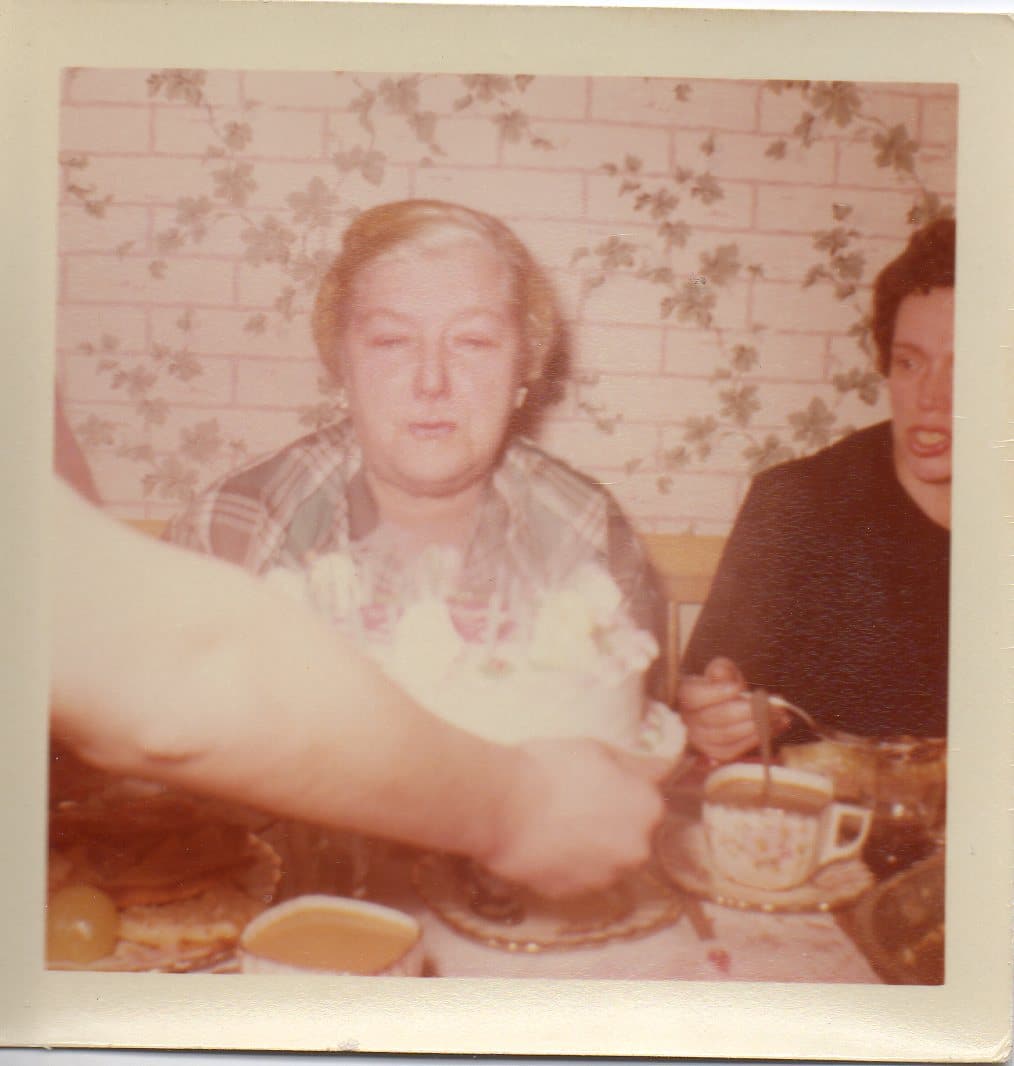
My Example: A Birthday Party Photo
For my own test, I chose a photo from my grandmother’s birthday party. Since I was there, I know the people, place, and event, and can confidently add accurate metadata. This makes it a perfect test image.
Tools for Adding Metadata
One easy way to get started is with the free program Adobe Bridge. You can download it here.
Yes, there’s a bit of a learning curve, but it doesn’t require a subscription or purchase. For this example, we’re using Adobe Bridge only, but it’s not the only option.
Other programs genealogists use include:
- Vivid-Pix Restore
- Mylio
- Forever.com
Each has different strengths, but for this exercise, Bridge is simple and accessible.
Why This Matters
Before you invest countless hours tagging every photo in your collection, it’s smart to run a test. Some genealogy websites don’t retain all your metadata when you upload, and others may strip it out entirely. A test image helps you understand what stays, what goes, and how best to preserve your family stories. Upload your test image to your favorite genealogy site or program and run it through the read, write, edit, and export steps. What information is retained, what can you add/edit, and is it possible to export that new information or even existing information?
I’ll be diving deeper into what happens when you upload a test image to the big genealogy sites in a future post. Stay tuned!
Invite Maureen Taylor, The Photo Detective® to Speak
Are you looking for a dynamic speaker who can make family photos, history, and technology come alive? I’ve presented internationally—both in person and virtually—on topics like:
- Unlocking the secrets hidden in old photographs
- Metadata as a preservation tool for genealogists
- Organizing and sharing family photo collections
- Using AI and digital tools to tell family stories
- Power of photos and family history to your audience.
Invite me to speak at your next conference, society meeting, or special event. Let’s bring the power of photos and family history to your audience.