
A few weeks ago, a client asked me how to tackle the mountains of photos in her collection. She had a lot of heritage images such as cabinet cards and carte des visite, but she really wanted to start with her more modern images. Those that she’d inherited from her parents and taken during their life and hers. If you’ve found yourself staring at piles of photo processing sleeves and carousels of slides, then you know that feeling of overwhelm. My advice was to start simply.
I’d never tell you to take all your pictures out of those sleeves all at once and spread them out on a table. Here’s why. You lose the context of the images. They get mixed together, and the negatives no longer match the images. Frankly, the whole idea of laying out all my photos at one time makes me shudder. It’s best to start small. All that sorting can be done digitally.
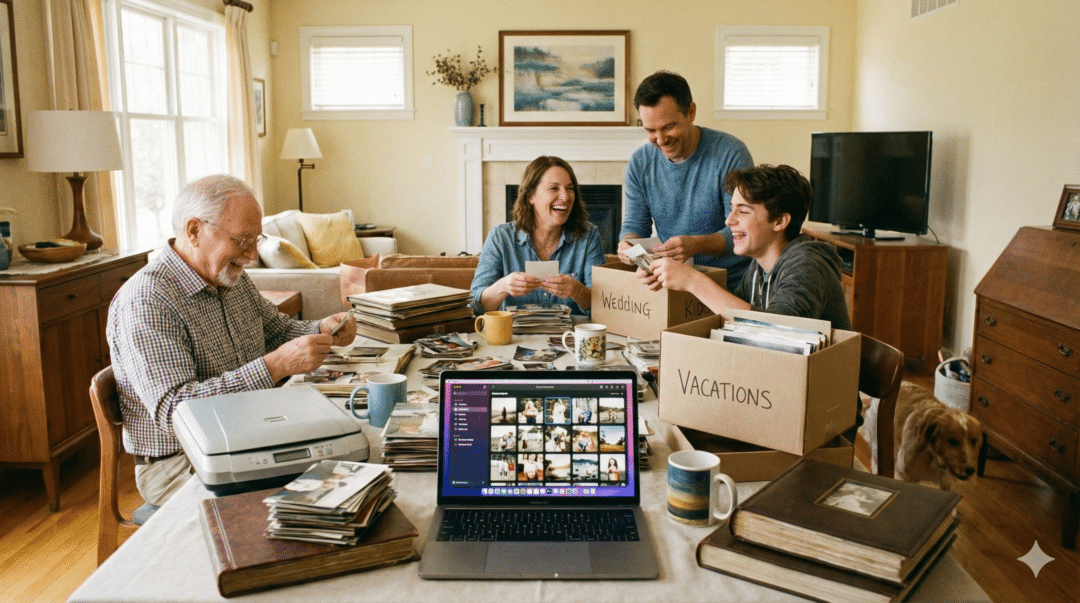
The point is to break your organizing project down into bite-sized pieces. Consider what you can get done. Perhaps it’s scanning a single sleeve of images at a time. Or you’ve budgeted for the project, so it makes sense to send out all images of one type for scanning. My earliest photo memories are sitting at the kitchen table with my Mom as she told me the stories behind the photos in the boxes. Those little moments changed my life. Ask your family if they’d like to help with the whole process. It can be a family bonding moment rather than an endless task.
That feeling of overwhelm makes most people put the task away for another day, which can turn into never. Instead, think about what photos are the most important to your family history process. A memoir has different priorities from a family tree book. In the latter, you are looking at modern images; for a genealogy, you want the old stuff.
For this client, a manageable task was starting with her parents’ slides. My advice was to review the slides using my strategy to reduce the number of images to digitize. Retain images of people; discard those that don’t unless they are important to family stories. Their vacation photos meant something to your parents, but unless you were there, you can’t share in those moments. I know that’s true for my own travel images.
Scanmyphotos.com offers carousel scanning without removing any slides. Number or label each box so that your scans will come back in “folders.” See their tips for sending material to them. Once those images are digitized, you can organize the scans using a digital photo organizer like Forever.com. Digital organizers don’t care how many keywords you use or how many digital albums you create. You’ll be able to find pictures instantly. If the organizer uses facial recognition, then it will make tagging those faces even easier.
Once you have a scan, the possibilities are endless. Identify the people. Tell their stories. Make family history shareable. It’s up to you. If you need help with any of these steps, email me.